


Restoring service after a production incident is the first priority, but a recovered system is not a validated system. A restart, a rollback or extra infrastructure can bring response times back to normal while the root cause remains, ready to resurface at the next traffic peak.
At QAlified, we use incident evidence as the starting point for performance work. The data collected during the failure guides how we design the load test, where we look for performance bottlenecks and how we prove that a fix holds under real conditions. Below, we explain each step of that remediation validation process.
How Should You Plan Load Testing After a Production Incident?
Load testing after incident recovery should reproduce the conditions that caused the failure, using real incident data, representative workloads and an environment comparable to production. Teams then measure response time percentiles, error rates, throughput and resource usage, and compare results before and after the fix against acceptance criteria agreed in advance.
TL;DR
- Restoring service does not prove that the performance problem is fixed; only a repeatable test under equivalent load does.
- Start with incident data: TPS, concurrent users, test data and the changes deployed before the failure.
- Test business-critical transactions plus every transaction modified by the fix.
- Look beyond averages: percentiles, error rates and resource metrics reveal bottlenecks that averages hide.
- Validate the fix by running the same test before and after, against criteria agreed with the business.
What Incident Data Should Guide Your Load Testing Plan?
A post-incident load testing plan should be built on evidence from the failure itself: when it happened, under what load and after which changes. After a service is stabilized, the first question we ask is: under what conditions did the problem occur?
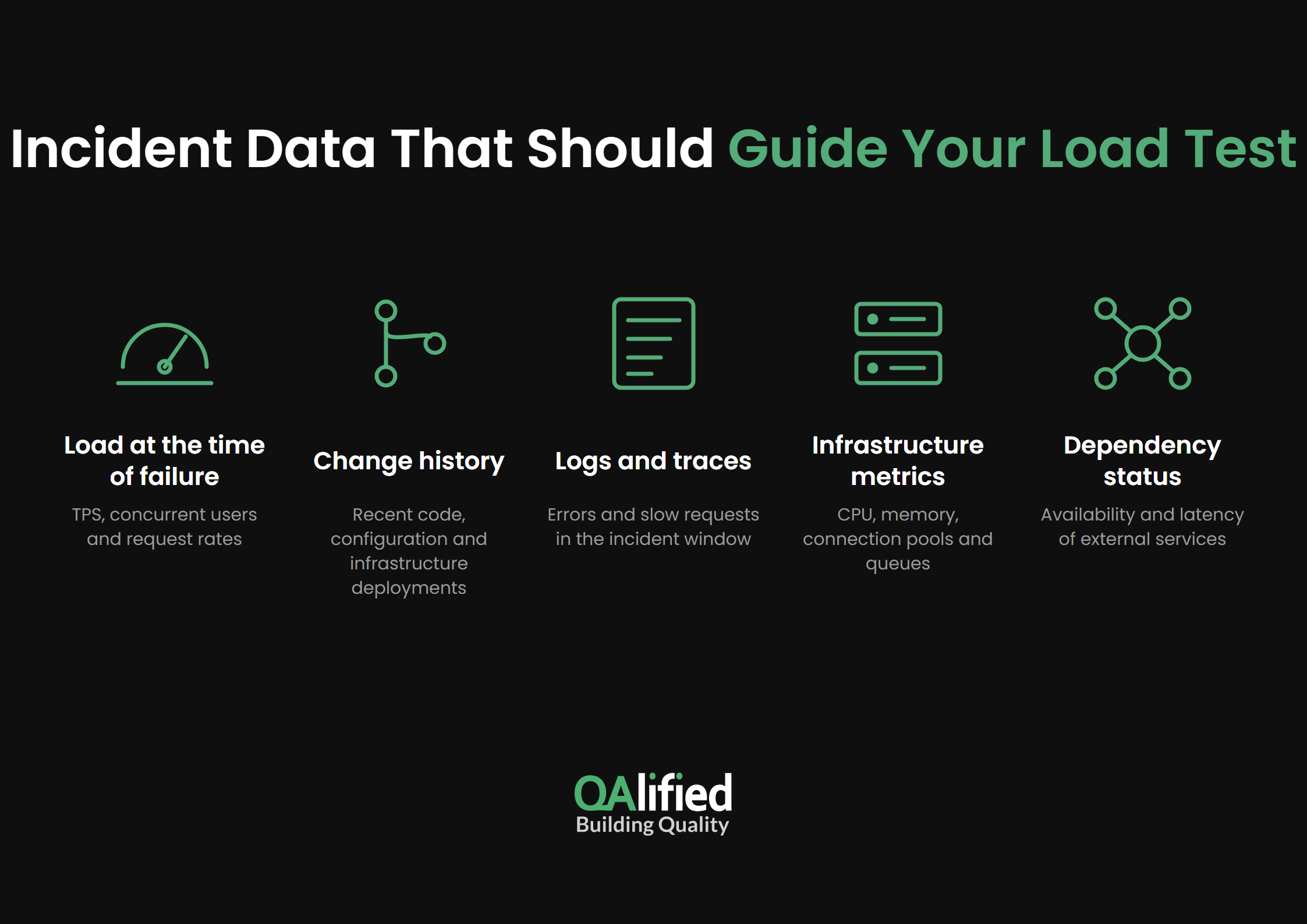
The following data sets help us define a realistic test scenario:
- Load at the time of failure: transactions per second (TPS), concurrent users and request rates.
- Change history: recent code, configuration and infrastructure deployments.
- Logs and traces: errors and slow requests recorded during the incident window.
- Infrastructure metrics: CPU, memory, connection pools and queues.
- Dependency status: availability and latency of external services.
In our experience, the data that teams most often lack is test data to run the scenarios and precise information about the load to simulate, such as TPS and concurrent users. Collecting those figures early keeps the test from relying on assumptions.
How Do You Know Whether the Incident Was Load-Related?
To determine whether a failure was caused by load, a code change, infrastructure or an external dependency, we first check whether there was an abnormal increase in system load, or whether the problem coincided with a code or infrastructure change. Logs then confirm or rule out each hypothesis.
How Do You Recreate the Workload and Transactions Behind the Failure?
Recreating the workload means translating incident data into a test scenario with the same transaction mix, concurrency and request rate observed during the failure. The scenario should reproduce the problem before the fix is applied, so the same scenario can later prove that the fix works.
We select the transactions to include using two criteria:
- Business-critical transactions, which must keep working with acceptable performance.
- Transactions modified by the fix, since every change made to solve the problem introduces new risk.
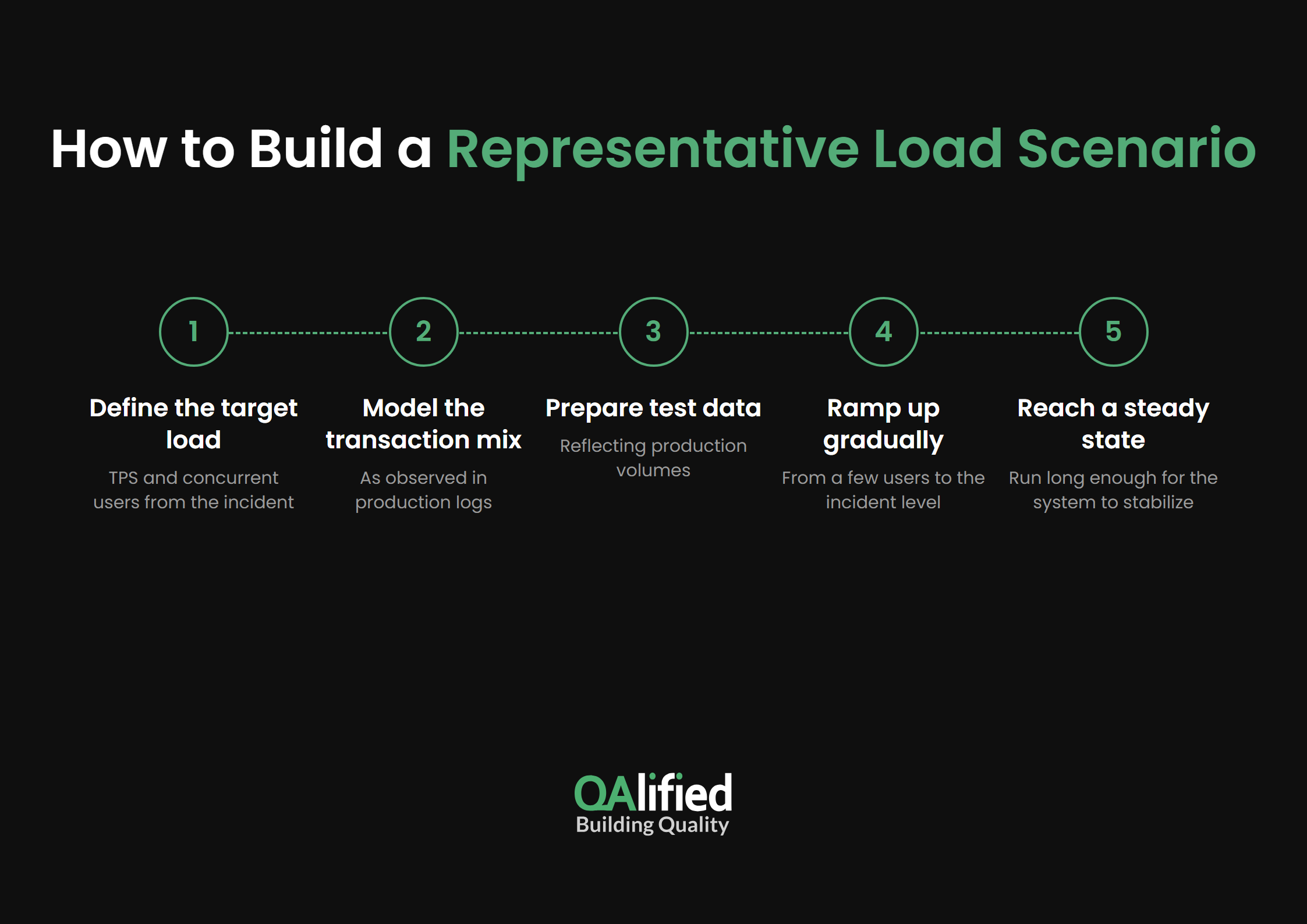
To build a representative scenario, we follow these steps:
- Define the target load from the TPS and concurrent users recorded during the incident.
- Model the transaction mix observed in production logs.
- Prepare test data that reflects production volumes.
- Increase load gradually, starting with a few users and ramping up to the incident level.
- Set a duration long enough for the system to reach a steady state.
Load testing alone does not always cover the risk behind an incident. The following table summarizes when we complement it with other test types:
| Test type | Risk it models | When we use it |
|---|---|---|
| Load testing | Expected or incident-level traffic | To reproduce the failure and validate the fix |
| Spike testing | Short, sudden peaks of usage | When the risk is brief traffic bursts during the day |
| Endurance (soak) testing | Sustained load over time | When load can last more than 3 or 4 hours |
| Stress testing | Load beyond normal capacity | To find the breaking point and recovery behavior |
Where Should You Run Production Performance Testing, and What Safeguards Are Needed?
Most post-incident load tests should run in a production-like environment, while controlled production performance testing is reserved for cases that no other environment can reproduce. In both cases, the test environment should be as similar to production as possible.
Two differences need special attention. If the test environment has fewer resources than production, the difference must be factored into the load to simulate. If the architecture differs too much, for example with mocked services or missing integrations, the results may not be valid for drawing conclusions.
The following table compares both approaches:
| Aspect | Production-like environment | Controlled production testing |
|---|---|---|
| Risk to real users | None | Low, with safeguards in place |
| Fidelity to the incident | Depends on similarity to production | High |
| Load limits | Up to the breaking point | Capped below known capacity |
| Best use | Reproducing the failure and validating fixes | Confirming results a test environment cannot reproduce |
| Main requirement | Adjust for resource and architecture differences | Monitoring, stop criteria and a rollback plan |
When testing in production is necessary, these safeguards reduce the risk to real users:
- Schedule tests during low-traffic windows.
- Cap load below the level that caused the incident and increase it gradually.
- Monitor real user transactions while the test runs.
- Define stop criteria, such as error rate or response time thresholds.
- Agree on a communication and rollback plan with operations.
Which Metrics Reveal Performance Bottlenecks During Load Testing?
Performance bottlenecks become visible when response times, error rates, throughput and resource usage are analyzed together. Averages alone can hide the problem: a stable average response time can coexist with a small share of requests that take several seconds or fail.
The metrics we track during a post-incident load test include:
- Response time percentiles (p90, p95, p99) for each transaction.
- Error rate by transaction and error type.
- Throughput, measured in TPS.
- Application server resources: CPU, memory and garbage collection.
- Database behavior: connections, slow queries and locks.
- Dependency latency for external services.
Correlating load results with logs, traces and infrastructure metrics shows which component degrades first as load increases, confirming or ruling out the suspected root cause.
How Do You Compare Test Results and Confirm That Fixes Meet Acceptance Criteria?
The most reliable way to compare behavior before and after a fix is to run the same test in both cases, with the same scenario, data, environment and load. If no reliable previous measurement exists, production log files that record real response times can serve as the baseline.
Acceptance criteria are usually defined jointly by the performance testing team and the client. The team contributes its testing experience, and the client contributes its knowledge of its users and business priorities.
The following table shows how each criterion is compared and validated:
| Metric | Before the fix | After the fix | Validated when |
|---|---|---|---|
| Response time (p95) | Measured under incident load | Same scenario and load | It meets the agreed threshold |
| Error rate | Measured under incident load | Same scenario and load | It stays within the acceptable rate |
| Throughput | Maximum TPS sustained | Same scenario and load | It sustains the target TPS |
| Resource usage | Peak CPU, memory and connections | Same scenario and load | It stays within capacity limits |
Sometimes response time improves while errors, resource consumption or costs increase. In those cases, we rely on the acceptance criteria set in advance: when response times are defined as criteria, acceptable error rates are usually defined too, so a faster but less stable system does not pass.
We consider a fix validated when:
- The test scenario reproduces the incident load.
- All acceptance criteria are met in repeated runs.
- No new errors or resource bottlenecks appear.
- Results are documented for future regression tests.
How Can QAlified Help You Validate Performance Fixes After an Incident?
Validating a performance fix requires repeatable tests and measurable evidence. Running the same scenario before and after the fix, under equivalent conditions and against agreed acceptance criteria, is what turns a recovery into a confirmed solution.
Through our Performance Testing Service, we deliver every document generated during the process, starting with the test plan, along with the scripts and auxiliary tools needed to run them and a final report with executions, conclusions and recommendations. Your team can reuse those assets to prevent regressions, and if you need ongoing support, our Performance Testing as a Service model keeps that capability active.
Let’s talk about your post-incident performance testing. Contact us, and we will help you plan load testing after incident recovery and validate your fixes with evidence.
SHARE:
